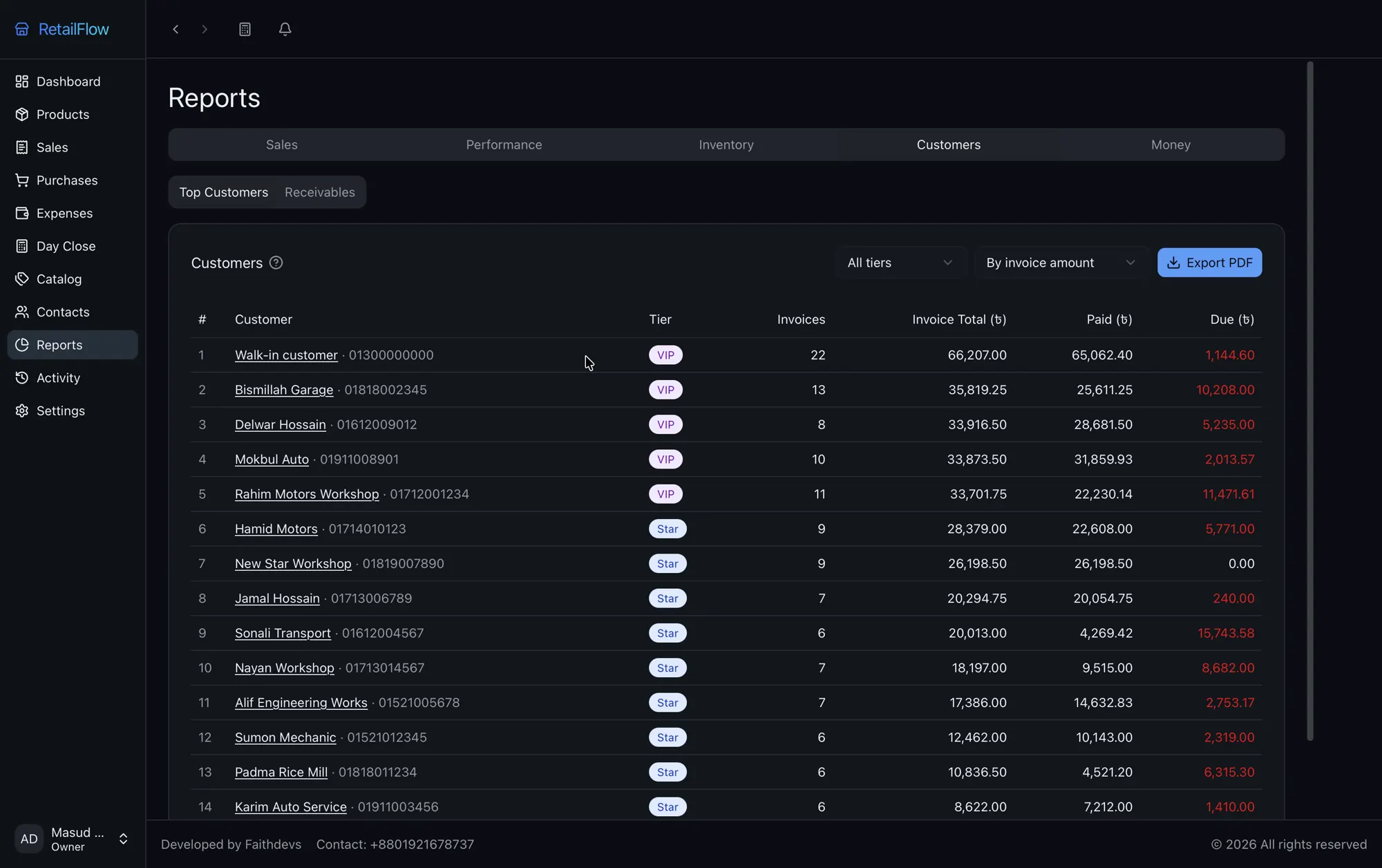
Who owes you, and how much?
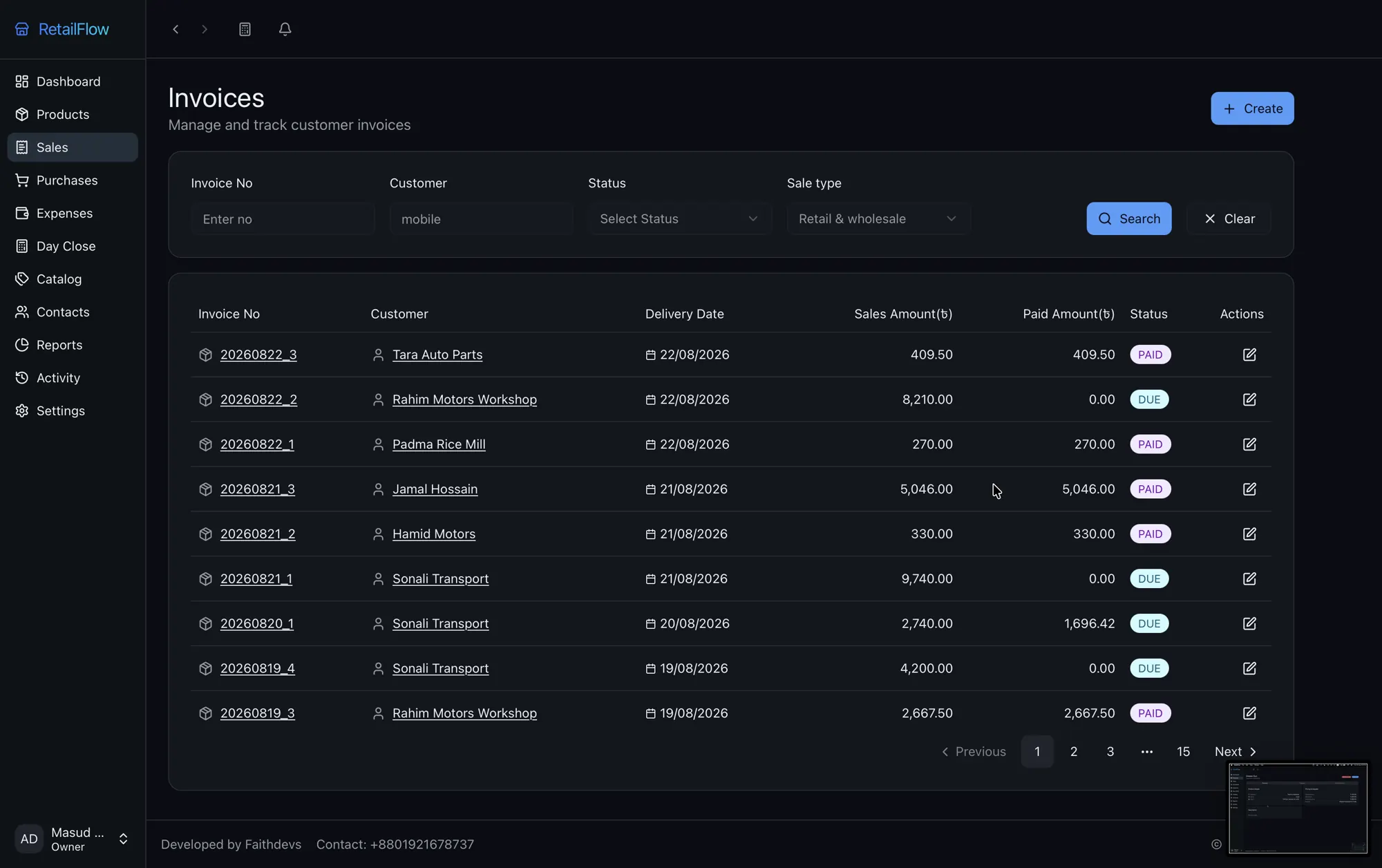
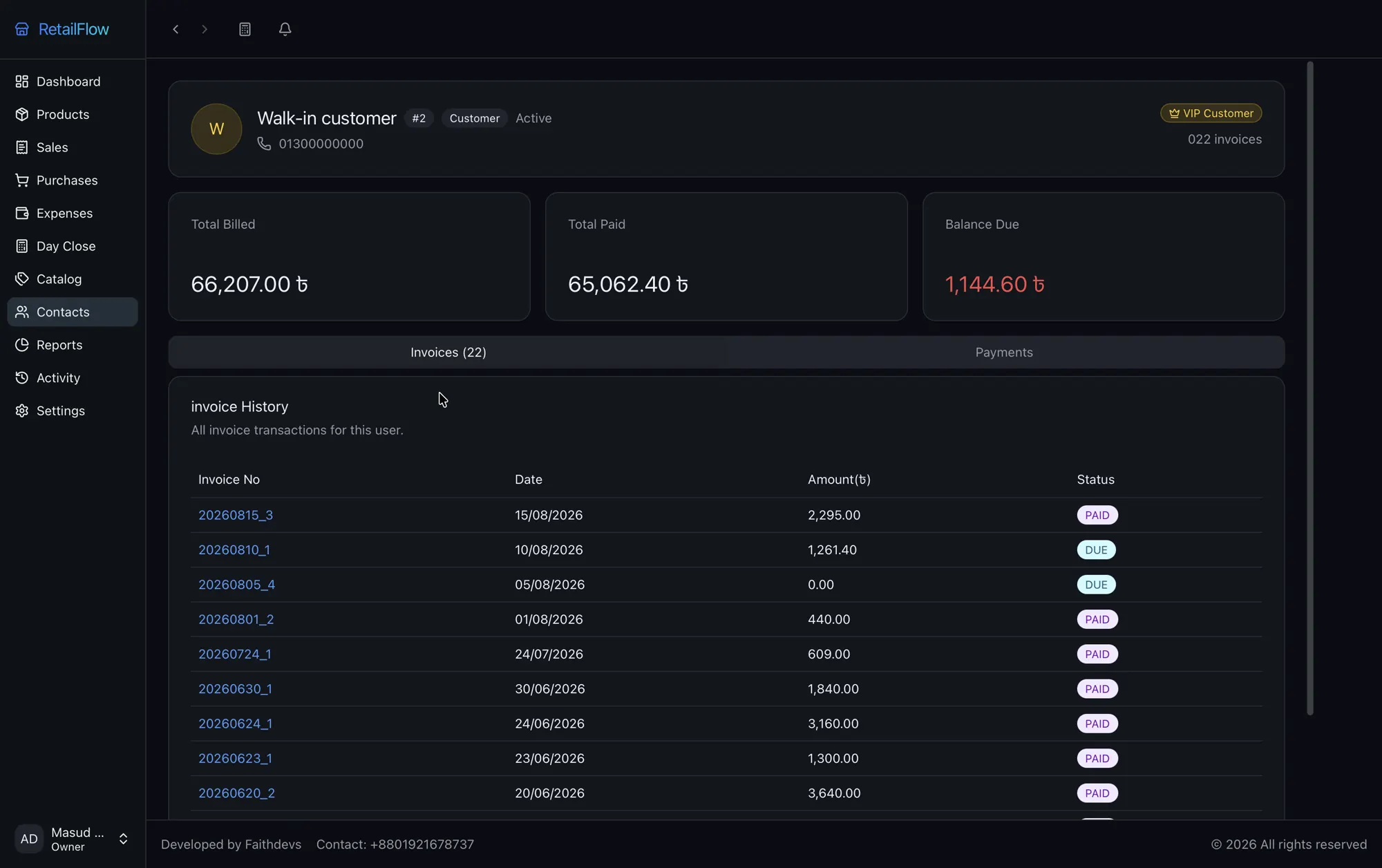
Part payments become dues on the customer's record. A report groups every unpaid bill by age, so the oldest money gets chased first.
100% offline · Windows, macOS & Linux
Know what you sold today, who owes you and what you earned, even when the internet is down. RetailFlow keeps your sales, stock and dues on your own PC.
01 — The problem
Part payments become dues on the customer's record. A report groups every unpaid bill by age, so the oldest money gets chased first.
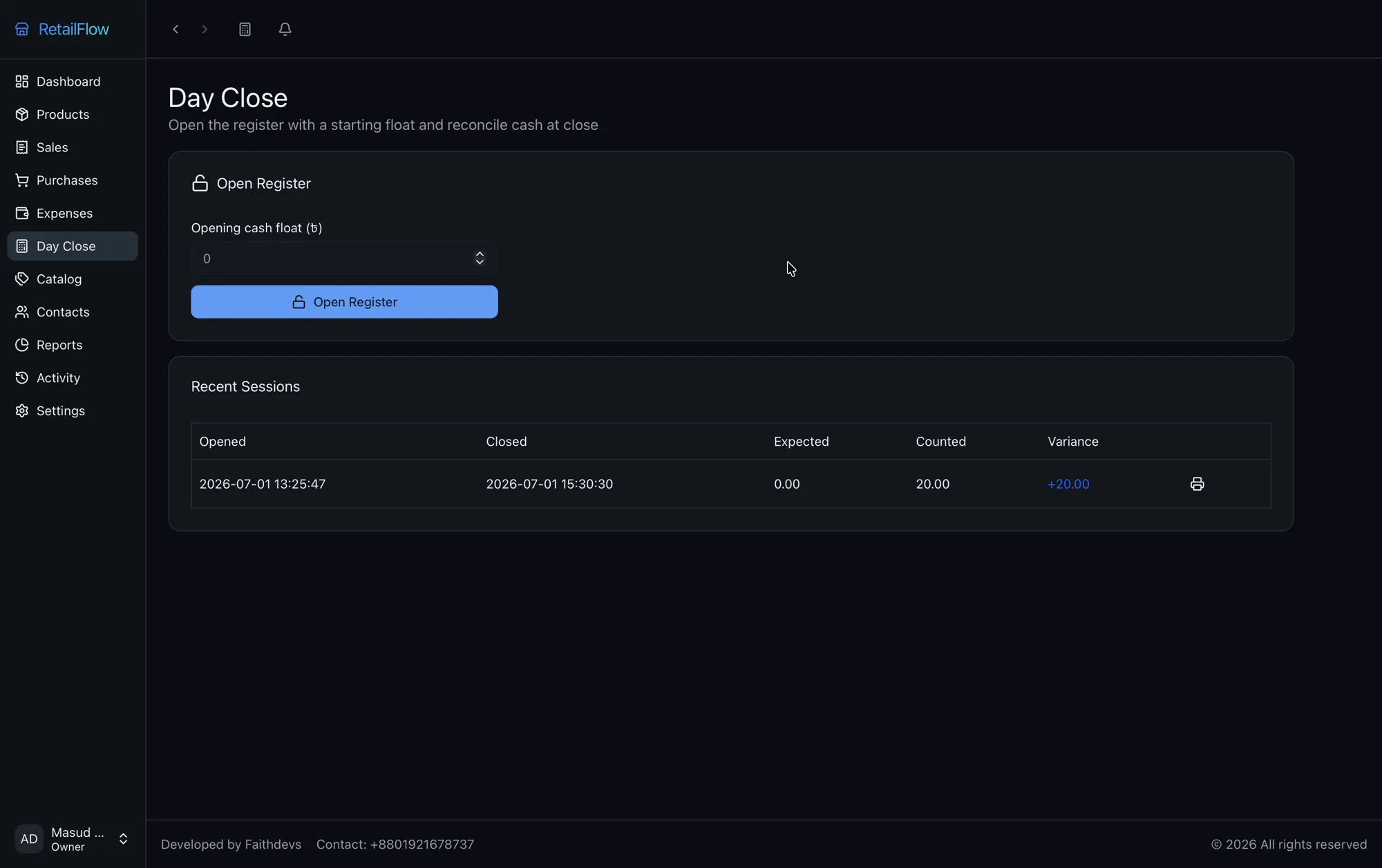
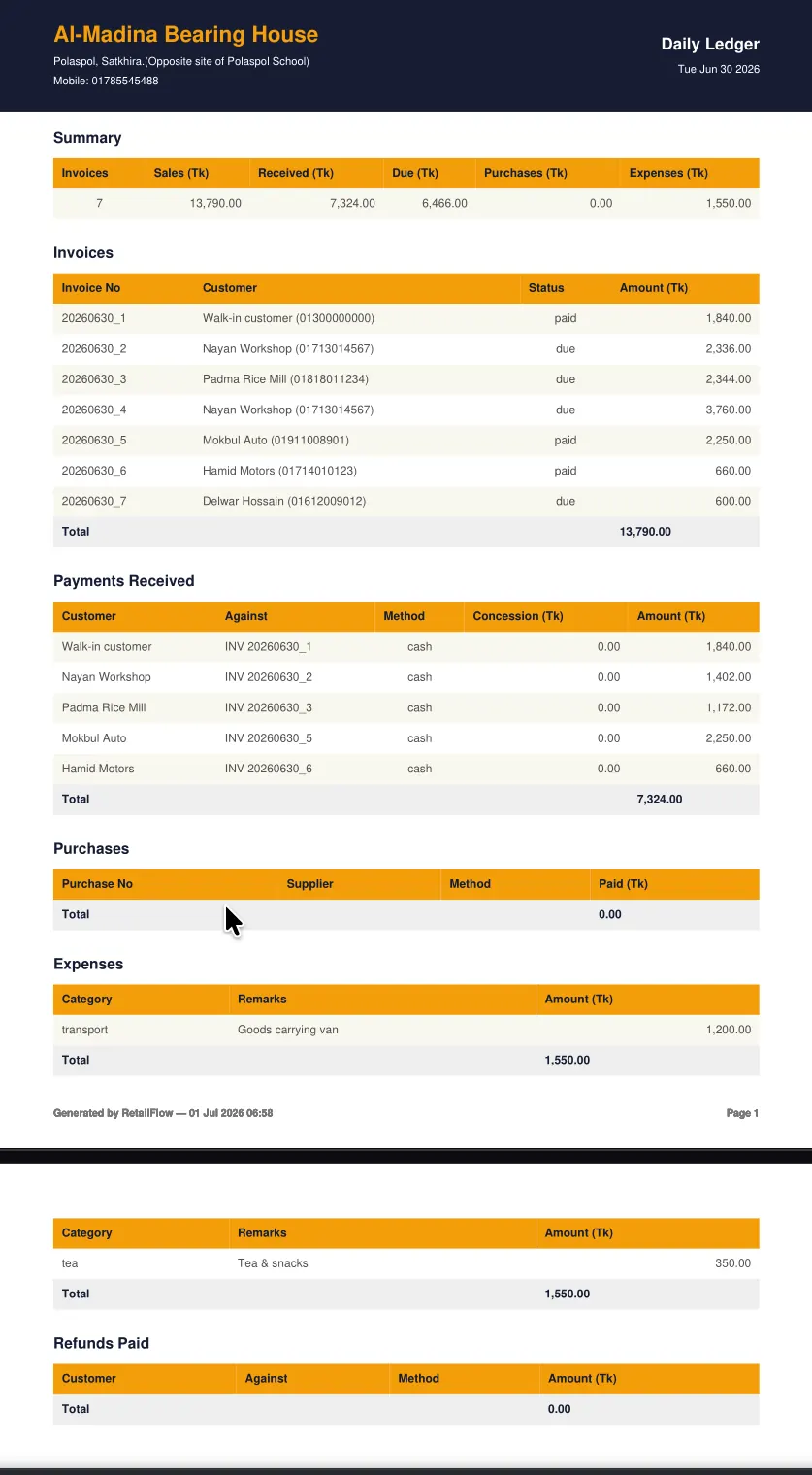
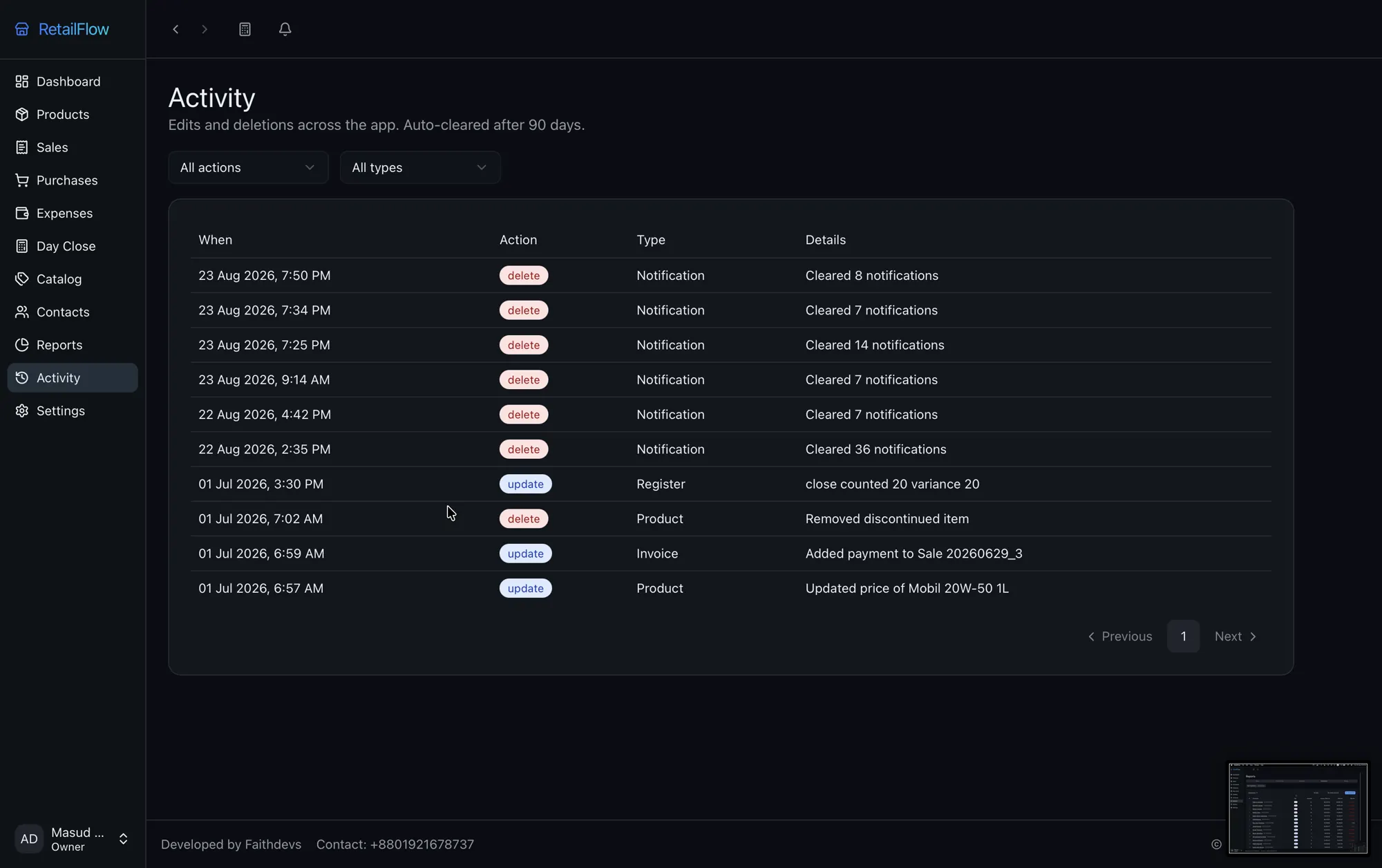
Sales, purchases and returns move stock as they happen. Every edit and delete goes in the activity log, and day close shows any cash variance.
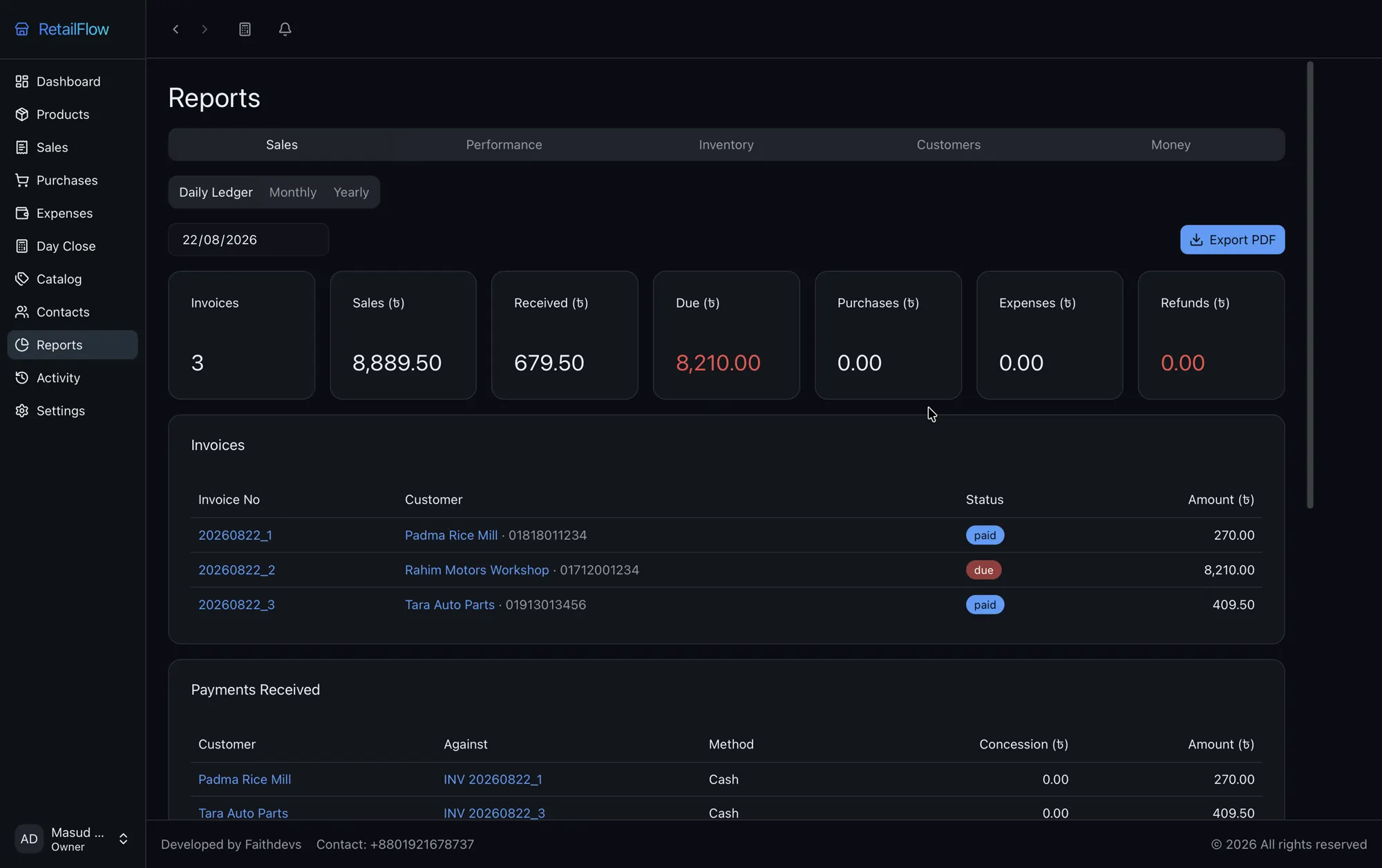
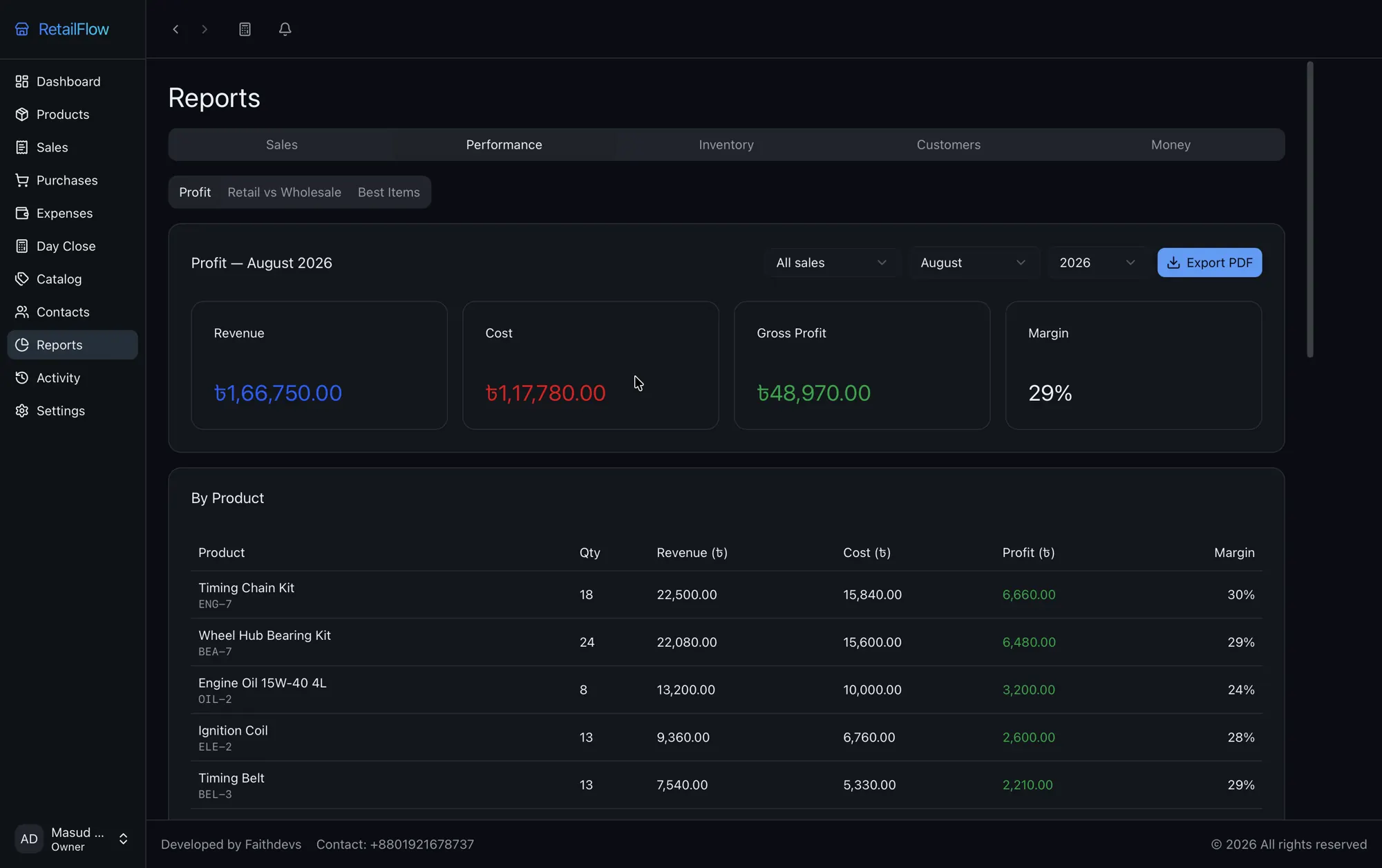
See revenue, cost, gross profit and margin for each product, each month, with expenses recorded separately.
02 — The short answer
RetailFlow is offline point-of-sale, inventory and accounting software for single-location retail shops. It installs on a Windows, macOS or Linux PC and keeps every sale, stock movement, due and expense in one local database, so the shop keeps running with no internet and no outside server.
Built by Faithdevs. Prices and amounts display in Bangladeshi taka (৳).
03 — What it does
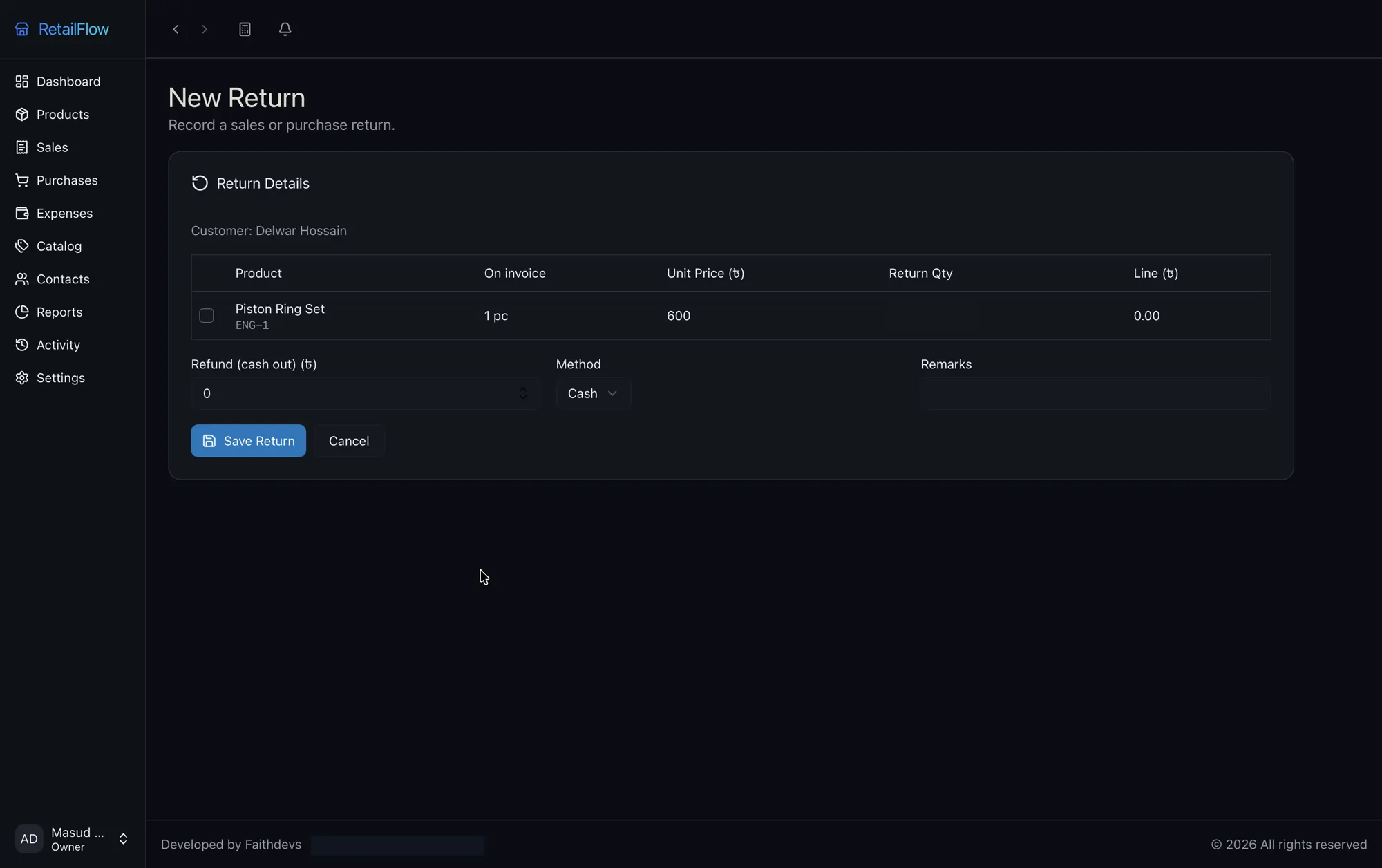
Sell, stock, bill, pay, refund and report. Every part talks to the same local database, so your stock, cash and dues always add up.
Bill a customer in seconds and print it on the spot.
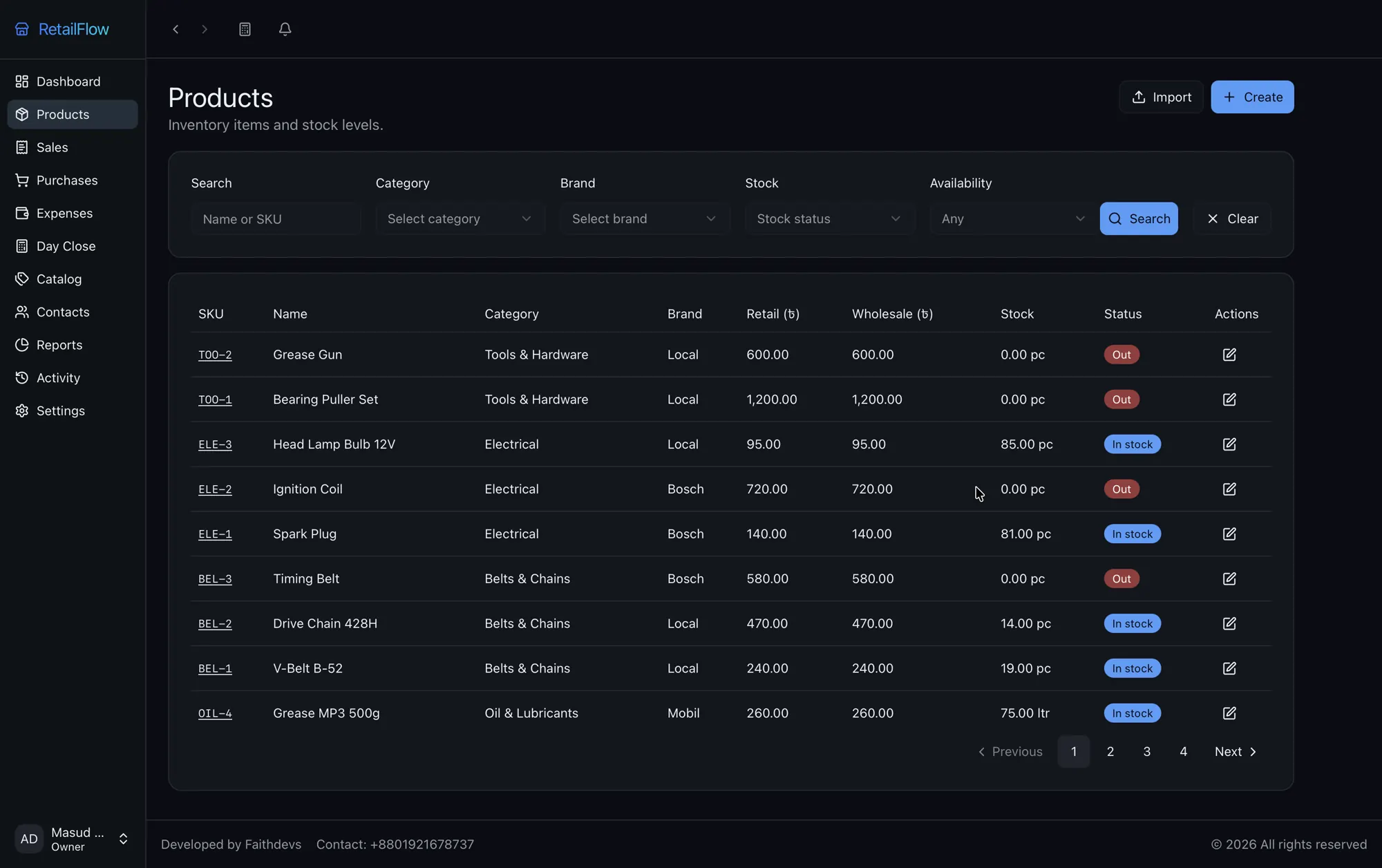
Every sale drops stock and every purchase raises it, so the count stays current.
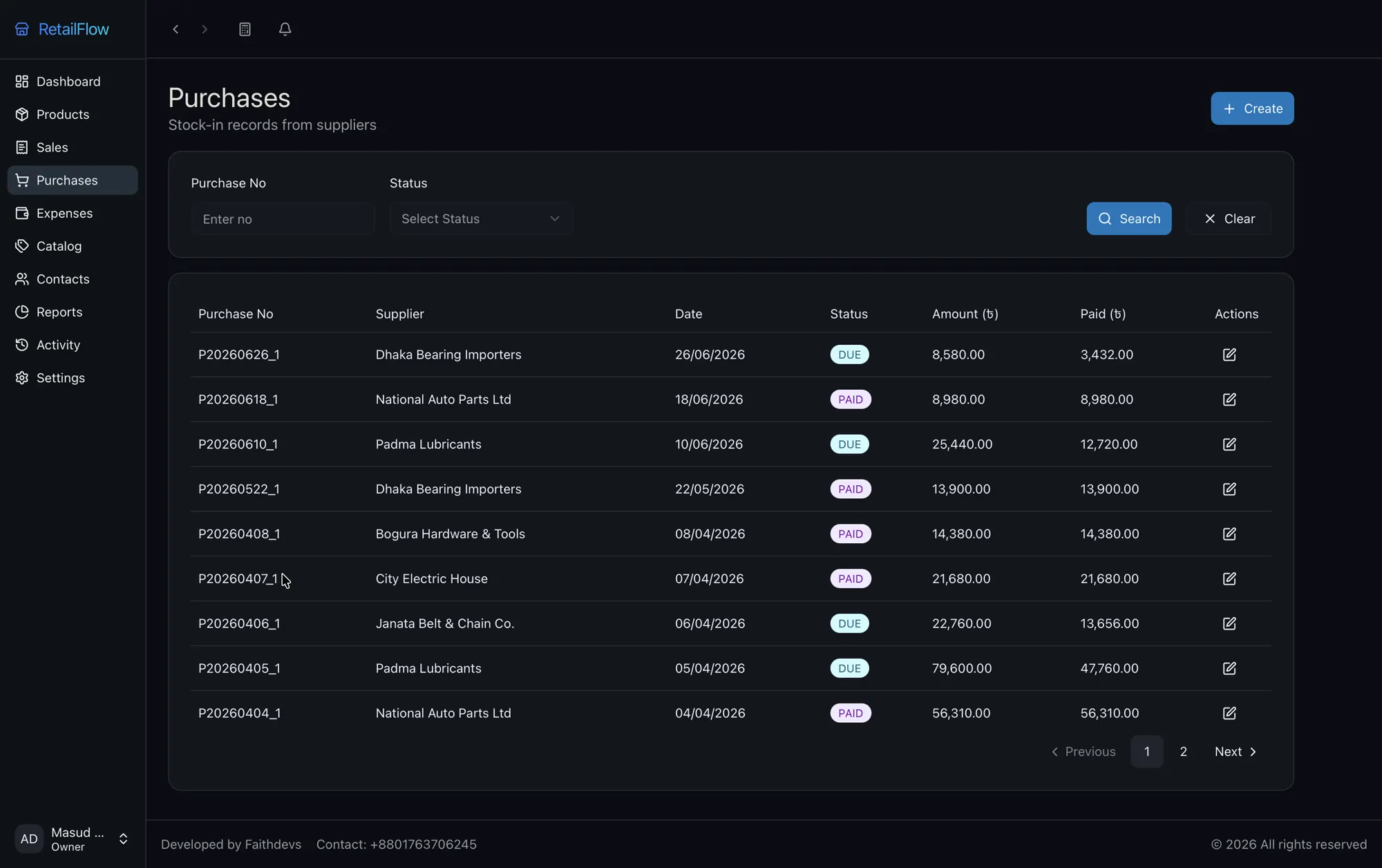
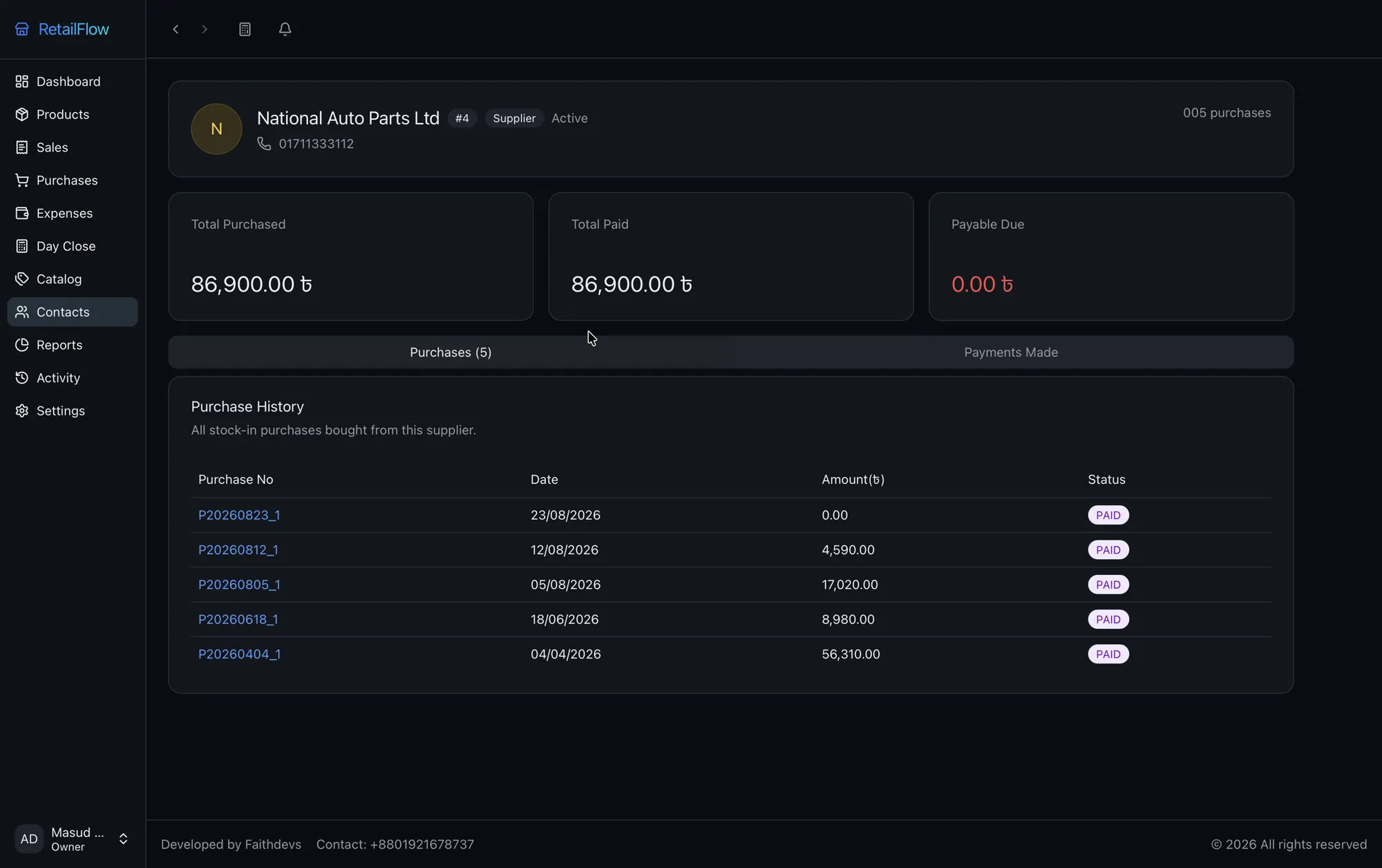
Record stock-in and always know what you owe.
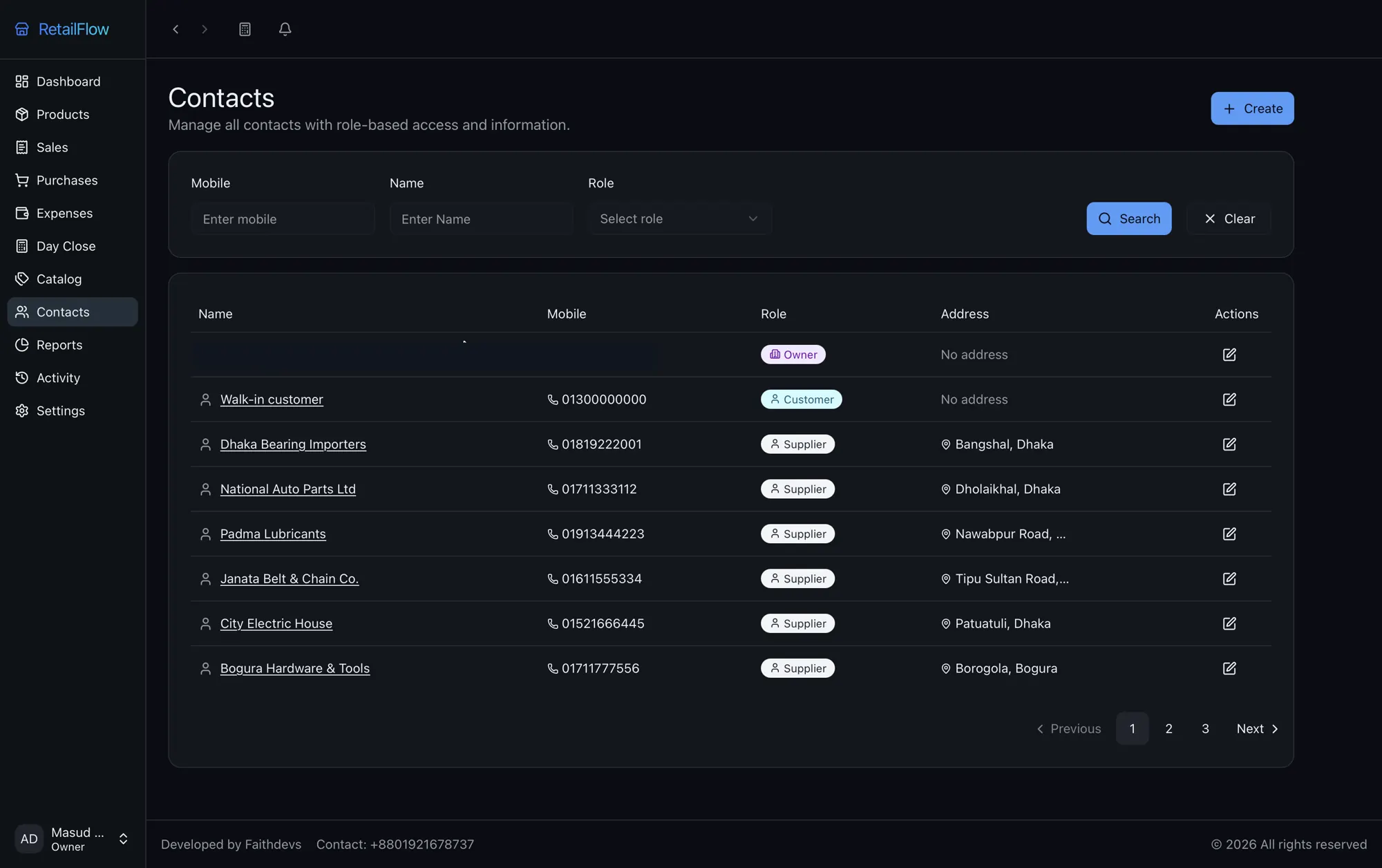
A real record behind every name, with full history.
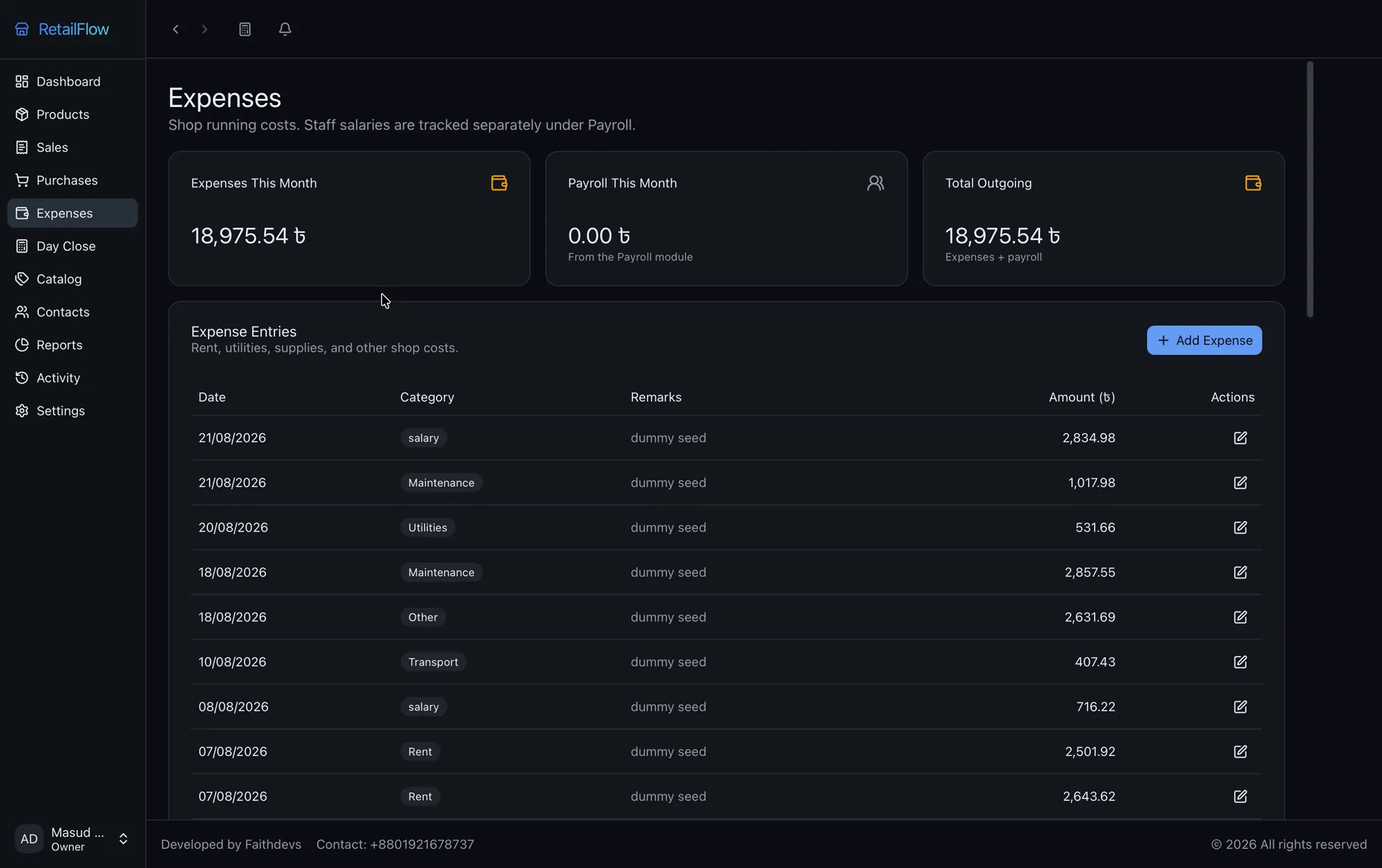
Record every taka in and out, and every refund.
Numbers straight from the same records you billed on.
04 — Screens
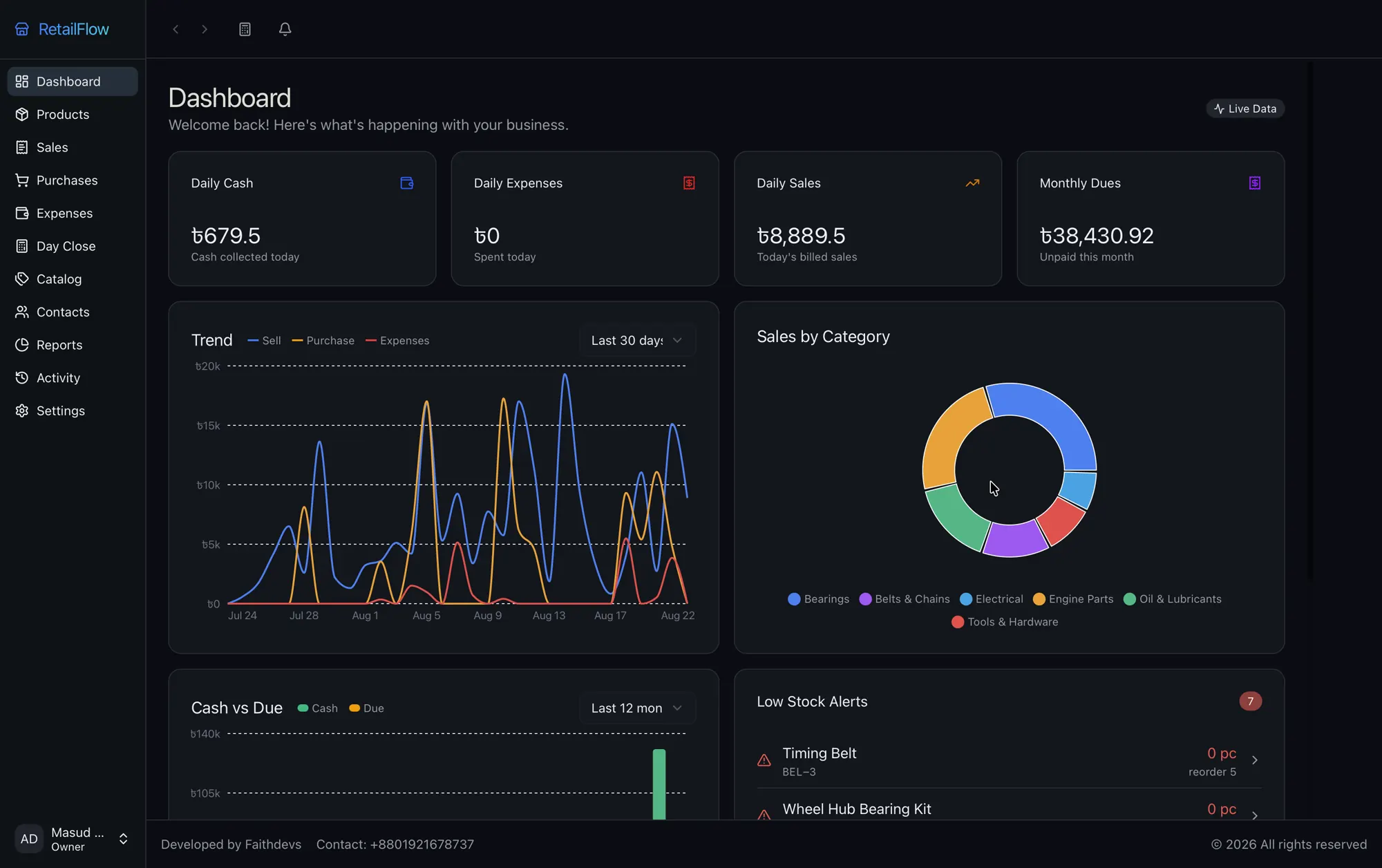
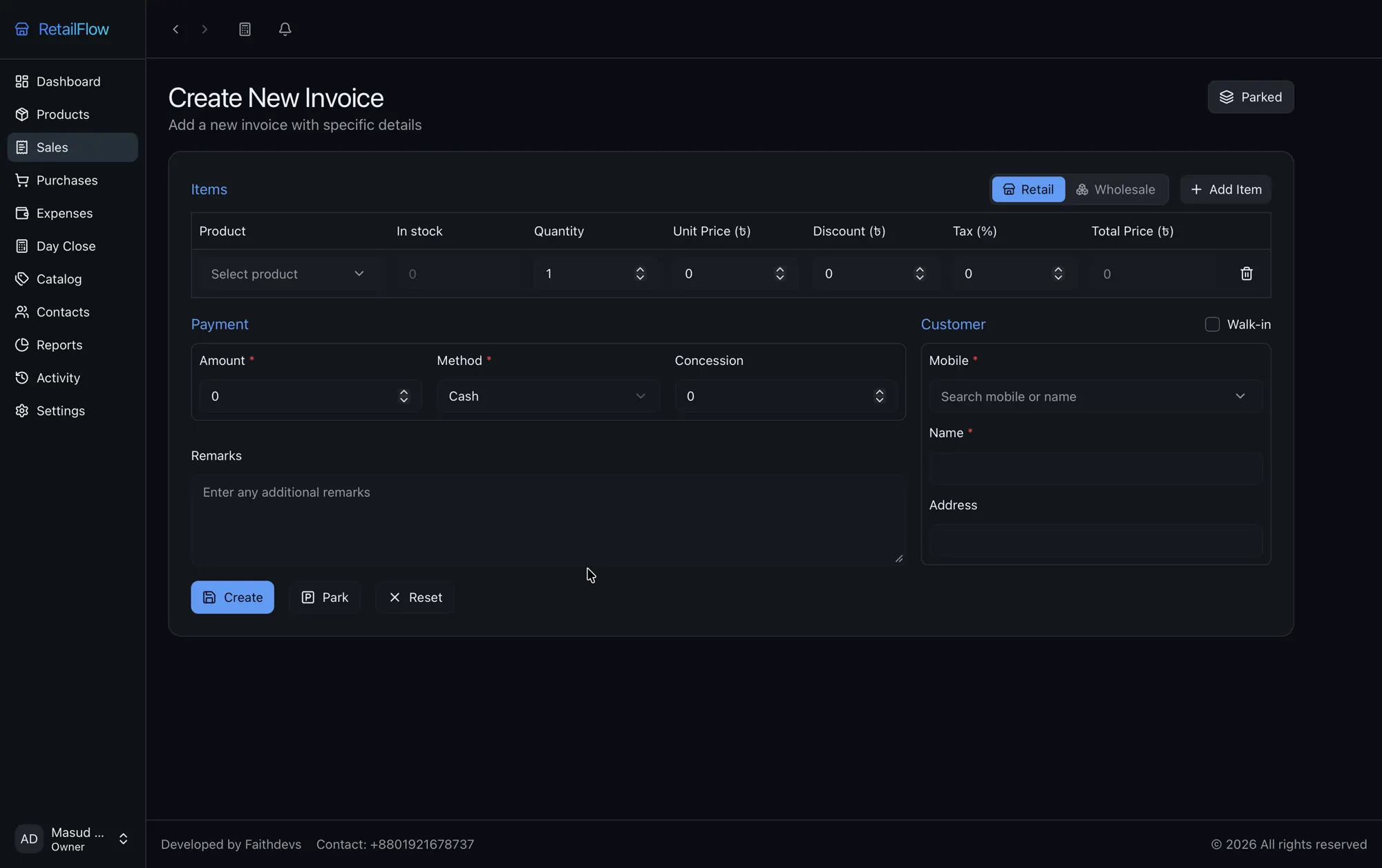
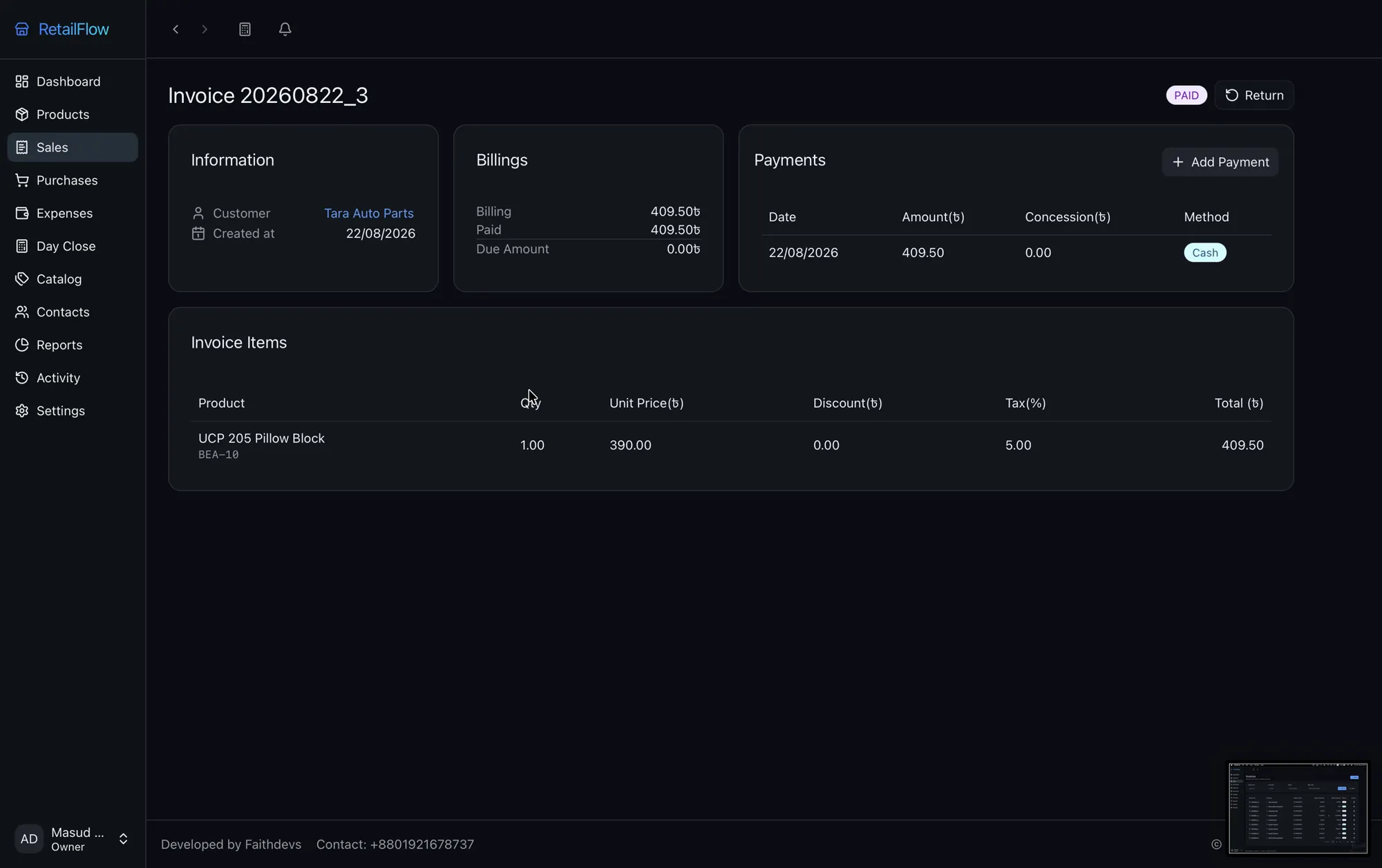
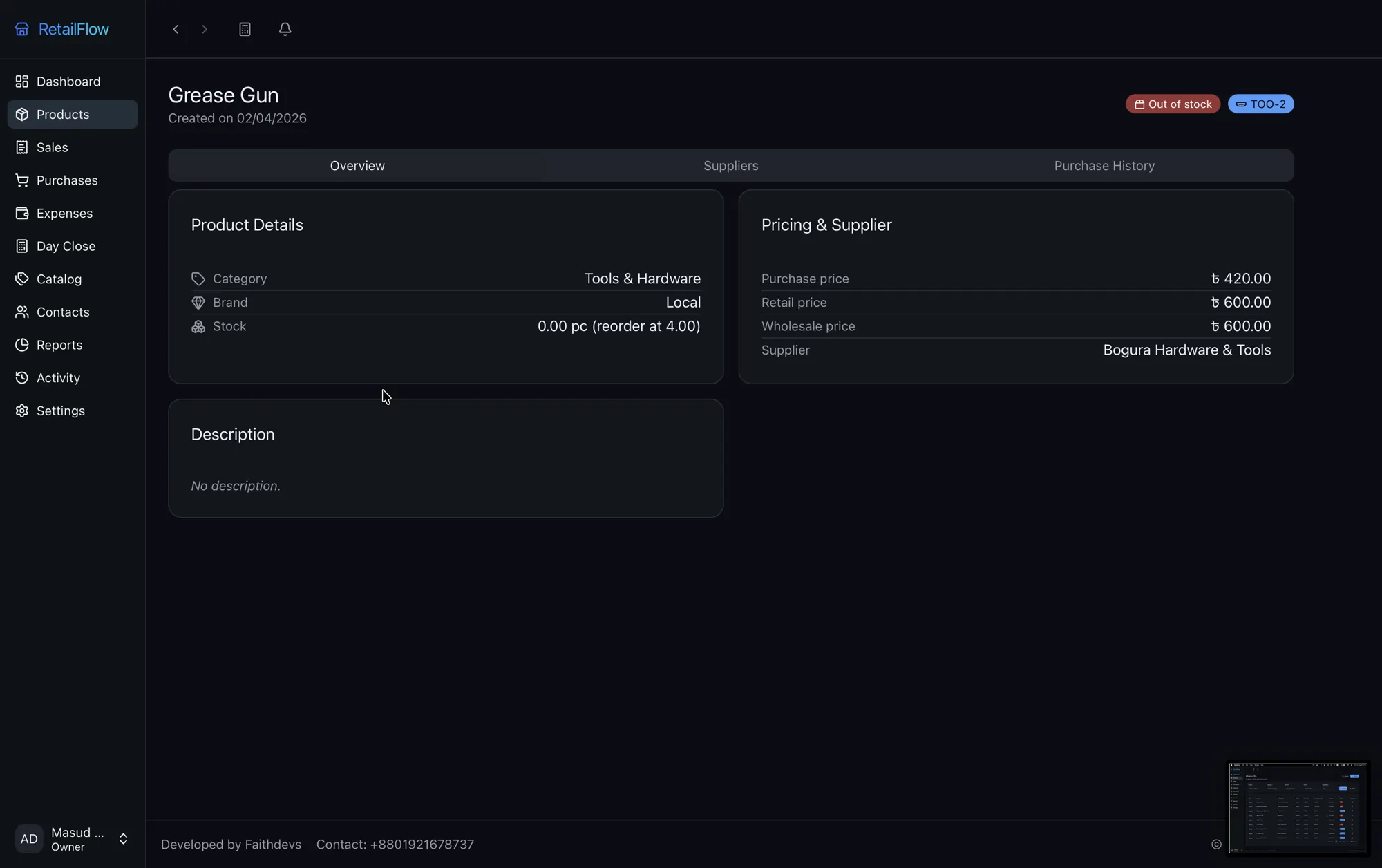
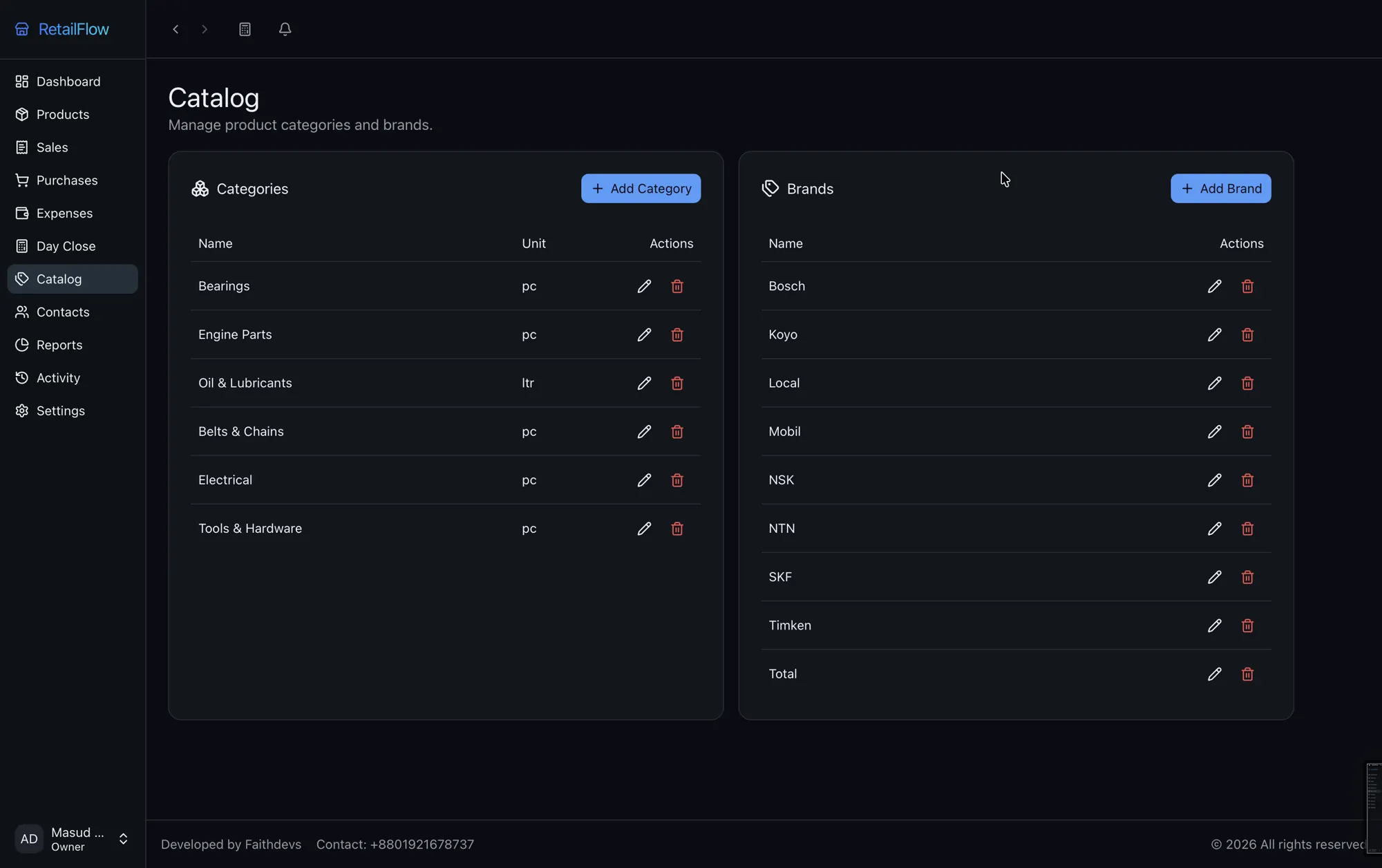
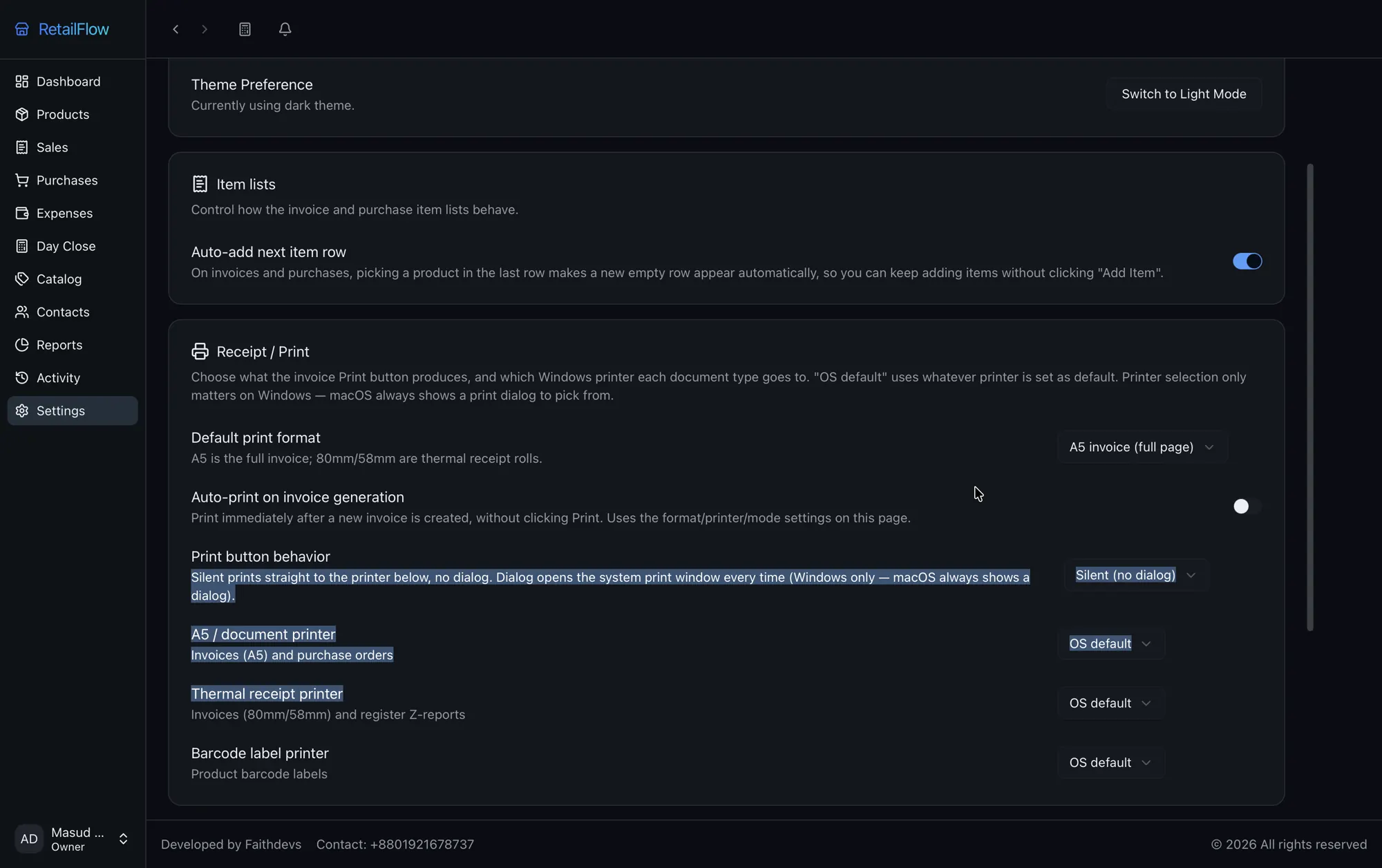
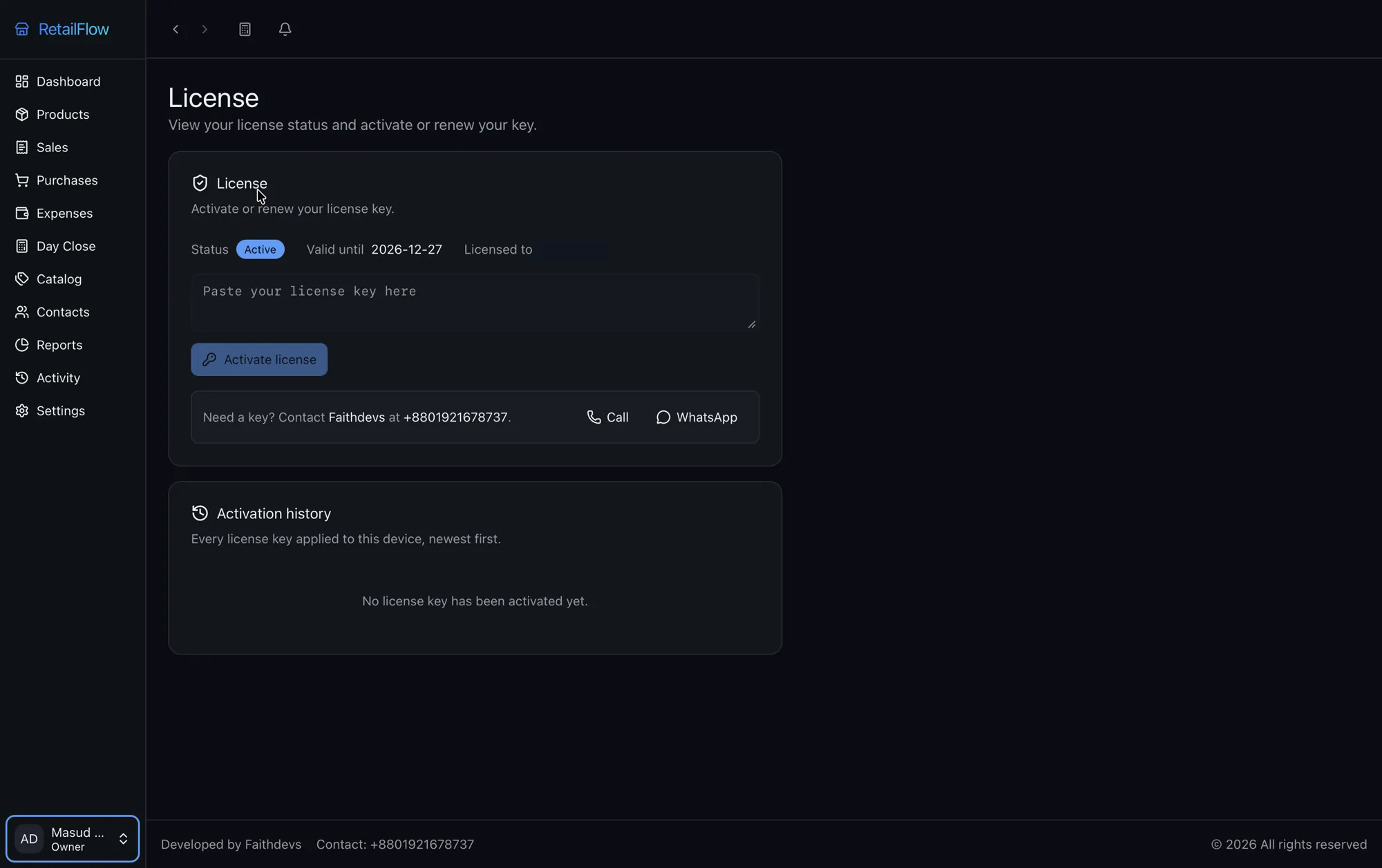
21 real screens from the app, running on sample shop data. Open any shot to see it full size.
05 — Demo
A 4½-minute silent walkthrough of products, a new invoice, purchases and the sales and profit reports.
Plays from YouTube. Watch it on YouTube.
06 — Your data
Everything lives in one database file on your own machine. We can't see your sales, and nobody else can either without access to that computer.
.rfbak files that open only in RetailFlow. Restore one on a new PC and the shop keeps its Install ID and license.07 — Compare
Choose RetailFlow when one shop needs full records with no internet dependency. Choose a cloud POS when several branches must share live stock, which RetailFlow does not do.
| RetailFlow | Typical cloud POS | Paper khata or Excel | |
|---|---|---|---|
| Selling with no internet | Yes, always | Limited or none, varies by product | Yes |
| Where your records live | Your own PC | The vendor's servers | Your book or file |
| Stock updates on each sale | Automatic | Automatic | By hand |
| Customer dues and supplier payables | Tracked per person | Usually tracked | By hand |
| Profit per product | Built-in report | Usually built in | Your own sums |
| Backups | Automatic and encrypted, on your PC | Handled by the vendor | Up to you |
| Live stock across branches | No, each install stands alone | Usually yes | No |
The cloud POS and khata columns describe the general category, not any one product. Check a specific vendor's terms before you decide.
08 — Who it's for
RetailFlow fits single-location shops with plain stock that want every sale, due and expense on their own computer.
09 — Getting started
Message Faithdevs on WhatsApp for the installer, then install it on your counter PC.
On first launch, enter your shop details and create the owner login, or import a backup from an old PC.
The app shows an Install ID such as RF-7K3M-Q9XA-2PLD. Copy it and send it to us on WhatsApp.
Paste the license key we send back and start billing.
10 — FAQ
Yes. RetailFlow runs entirely on your counter PC, so billing, stock, payments and reports all work with no connection. When a connection is available, the app makes a brief clock check for the license, and online backup uses it if you turn that on. No sales data is sent to us.
In one SQLite database file on your own computer. There is no RetailFlow server, and the app never uploads your records unless you link your own Drive for encrypted backups. Faithdevs cannot see your sales.
Restore an encrypted .rfbak backup on the new machine and carry on. The app backs up automatically on every close and keeps the last seven, so copy one to a USB drive or Drive regularly to protect against losing the PC itself. The shop keeps its Install ID and license key.
Windows, macOS and Linux. Any ordinary counter PC is enough, plus a printer if you want printed bills. There is no server, network setup or hosting involved.
It prints A5 invoices and 80mm or 58mm thermal receipts through your computer's installed printers, and it can print product barcode labels. You can set a separate printer for each document type on Windows.
Categories, brands, units and SKUs are yours to define, so grocery, garments, cosmetics, electronics, hardware, bike and parts shops all fit. A predefined catalog for your trade can be added in one click and edited afterwards.
Not yet. RetailFlow has no batch number or expiry date tracking, which most pharmacies need, so we do not recommend it for them.
Not with shared stock. Each install keeps its own database, and there is no sync between computers or branches. RetailFlow fits best with one counter PC at one location. If branches need live shared stock, a cloud POS is the better choice.
RetailFlow uses a time-based license for 1, 6 or 12 months, tied to your Install ID. It works offline: a reminder appears from seven days before expiry, then a three-day grace period before the app locks. Renew by pasting a new key. Message us on WhatsApp for current prices.
Yes. Your first month is free, with no card needed. Message us on WhatsApp with your Install ID and we will send a one-month key and arrange a live walkthrough. Use your own products and customers, and if you stop after the month, your data stays on your PC.
Use your own products and customers for a full month, with no card needed. We'll walk you through it live and help set up your shop name, invoice terms and categories.